Free JPG to PNG Converter: High Quality & Privacy First
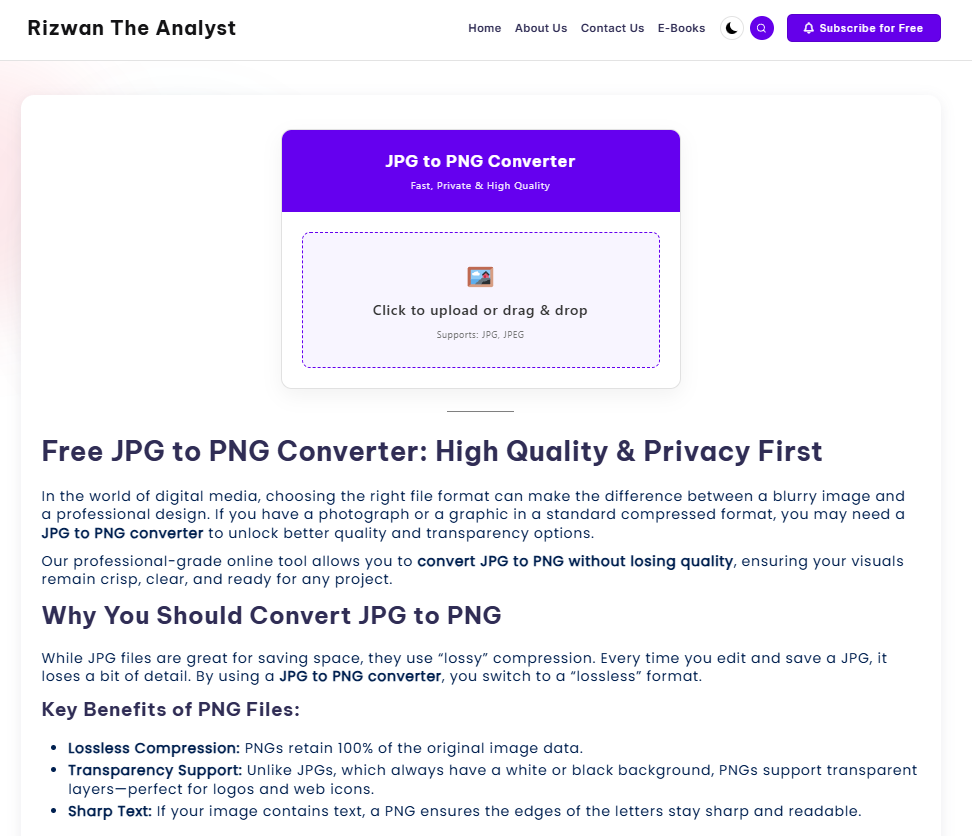
In the world of digital media, choosing the right file format can make the difference between a blurry image and a professional design. If you have a photograph or a graphic in a standard compressed format, you may need a JPG to PNG converter to unlock better quality and transparency options.
Our professional-grade online tool allows you to convert JPG to PNG without losing quality, ensuring your visuals remain crisp, clear, and ready for any project.
Why You Should Convert JPG to PNG
While JPG files are great for saving space, they use “lossy” compression. Every time you edit and save a JPG, it loses a bit of detail. By using a JPG to PNG converter, you switch to a “lossless” format.
Key Benefits of PNG Files:
- Lossless Compression: PNGs retain 100% of the original image data.
- Transparency Support: Unlike JPGs, which always have a white or black background, PNGs support transparent layers—perfect for logos and web icons.
- Sharp Text: If your image contains text, a PNG ensures the edges of the letters stay sharp and readable.
How to Use Our Free Image Converter
We have designed this tool to be the best free image converter for bloggers and designers who need results in seconds.
- Upload: Click the “Click to upload” box or drag your JPG file directly into the tool.
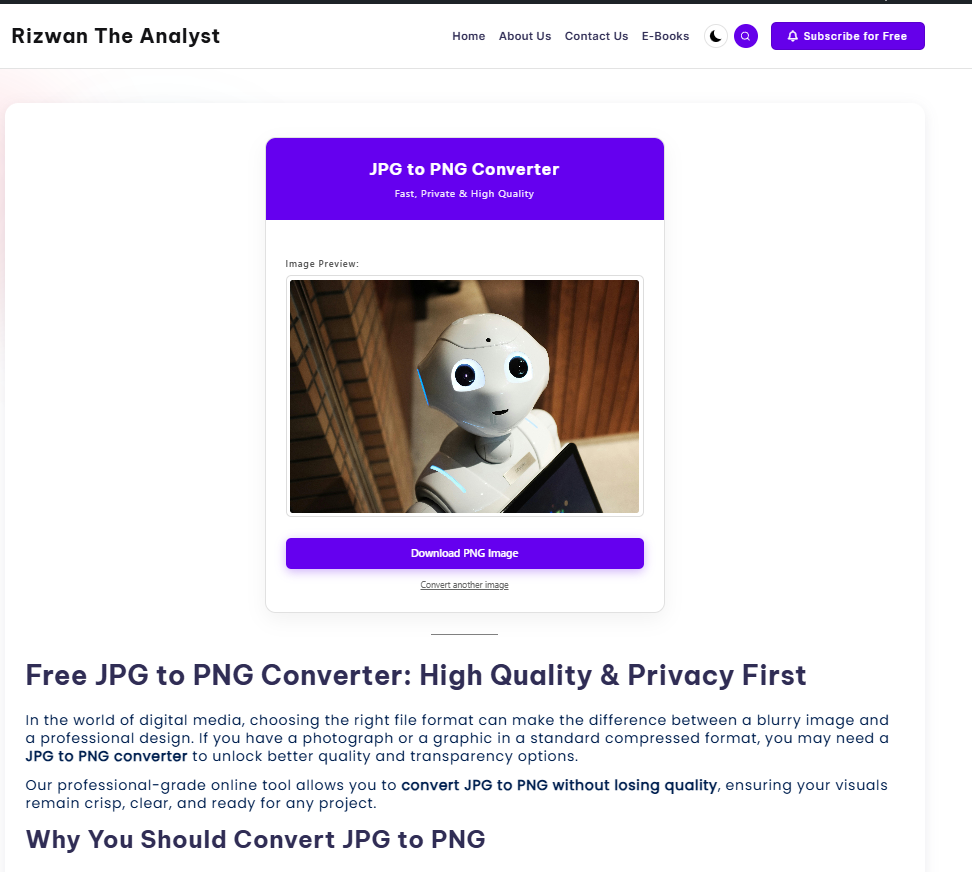
- Preview: View your image in the preview window to ensure it’s the correct file.
- Download: Hit the download button. Your file is transformed instantly into a high-quality PNG.
Privacy First: An Offline JPG to PNG Converter (In Your Browser)
Most online converters require you to upload your personal files to their servers. This creates a privacy risk and takes time to upload and download.
Our tool is different. It functions as an offline JPG to PNG converter browser-based utility. This means the conversion happens inside your computer’s memory using JavaScript. Your images are never sent to our server. This “Client-Side” technology ensures:
- Total Privacy: No one can see your images but you.
- Lightning Speed: No waiting for files to upload or download from a cloud.
- No Data Usage: Ideal for users with limited data plans.
The Perfect Transparent PNG Converter from JPG
Are you looking to prepare a graphic for a website? While converting a flat JPG won’t automatically remove a background, switching to the PNG format is the first step in creating a transparent PNG converter from JPG workflow. Once your file is in PNG format, it is ready to be used in design software where transparency can be toggled and saved.
Frequently Asked Questions
Is this JPG to PNG converter free?
Yes! Our tool is 100% free to use for unlimited images. We believe in providing high-quality web tools to help creators succeed.
Will my image quality drop?
Absolutely not. Because PNG is a lossless format, the converter takes the existing pixels from your JPG and wraps them in a PNG container without further compression.
Can I use this on my phone?
Yes. Our tool is fully responsive and works perfectly on Chrome, Safari, and Firefox across all mobile devices and tablets.