
Introduction: The Automated Empire
In the rapidly evolving digital landscape of 2026, the divide between thriving enterprises and struggling businesses is no longer defined by capital or headcount, but by leverage. Specifically, the leverage provided by AI productivity tools. If you are still relying on manual data entry, hiring large teams for basic administrative tasks, or drowning in recurring software subscriptions, you are playing a losing game.
The narrative has shifted. It is no longer about “what is AI?” or “will AI replace me?” The conversation among top-tier industry practitioners is now focused entirely on implementation: “Which AI productivity tools actually work?” and “How can I build an automated ecosystem that runs while I sleep?”
As an investor and board member advising billion-dollar companies, I have seen the hype cycle collapse. The market is flooded with 80% “wrapper” products that offer little value. However, the remaining 20%—the subject of this guide—are genuine infrastructure replacements. These AI productivity tools are not just novelties; they are the engines of the modern “AI Flywheel.”
This concept of the “AI Flywheel” is critical. Top businesses don’t just use tools in isolation; they create self-reinforcing loops. A lead generation tool feeds a nurturing tool, which feeds a closing tool, which feeds a delivery tool. Each turn of the flywheel accelerates the next, creating a momentum that manual labor simply cannot compete with.
In this massive, definitive masterclass, we will dismantle the “subscription fatigue” that plagues modern entrepreneurs. We will explore the “Free Google AI Ecosystem” that replaces expensive software stacks. We will dive deep into the specific AI accounting software that is deskilling complex financial tasks. And we will build, step-by-step, the automation workflows that generate wealth.
Whether you are a solopreneur looking to launch a digital empire or an accounting firm owner trying to reclaim your time, this guide is your blueprint. Let’s stop being “software night janitors” and start acting like strategic architects.
Part 1: The AI Accounting Revolution (The Financial Backbone)
For decades, the accounting industry has been stuck in a cycle of legacy software and manual grunt work. However, 2026 marks the arrival of true AI accounting software—tools built from the ground up with artificial intelligence as their core, not just a bolt-on feature. These tools are essential for any business owner looking to automate their finances.
1. Digits: The “Three-Layer Cake” of Classification
Category: AI Ledger & Bookkeeping Best For: Small to Medium Businesses (SMBs) tired of manual categorization.
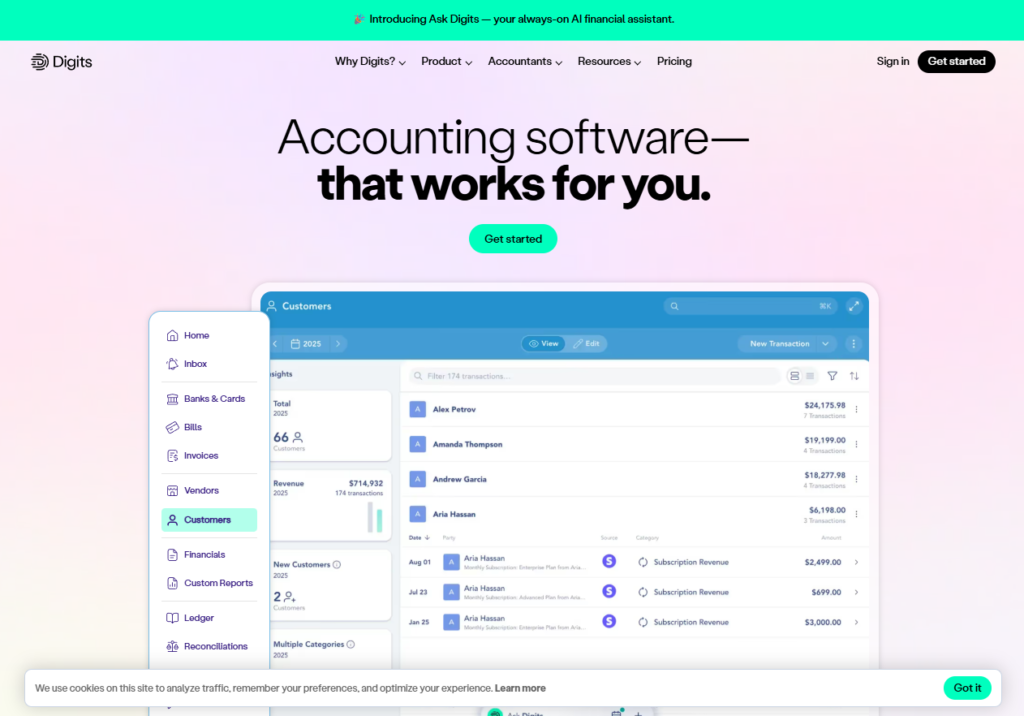
Digits has evolved from a simple overlay into a robust, standalone ledger. Its primary innovation lies in how it handles the most tedious part of accounting: transaction classification. Unlike traditional rules-based systems that break constantly, Digits employs a sophisticated “Three-Layer Cake” model.
How It Works:
- The Client Model: First, the AI analyzes the specific company’s history to understand unique coding preferences.
- The Firm Model: If no history exists, it references how your firm has coded similar transactions for other clients, leveraging institutional knowledge.
- The Global Model: As a final fallback, it utilizes aggregated data from the entire Digits user base to make a highly accurate prediction.
Step-by-Step Guide:
- Connect Banks: Securely link your business bank accounts via Plaid integration.
- Review the Feed: Digits will process historical data. Navigate to the “Unclassified” tab.
- Train the AI: For the first month, manually confirm the AI’s suggestions. If it marks an Amazon purchase as “Office Supplies,” confirm it. This builds the “Client Model.”
- Automate: Enable “Auto-Review” for high-confidence transactions. Digits will now categorize 90%+ of expenses without your input.
2. Kick: Simplified Multi-Entity Management
Category: Multi-Entity Bookkeeping Best For: Real estate investors, holding companies, and serial entrepreneurs.
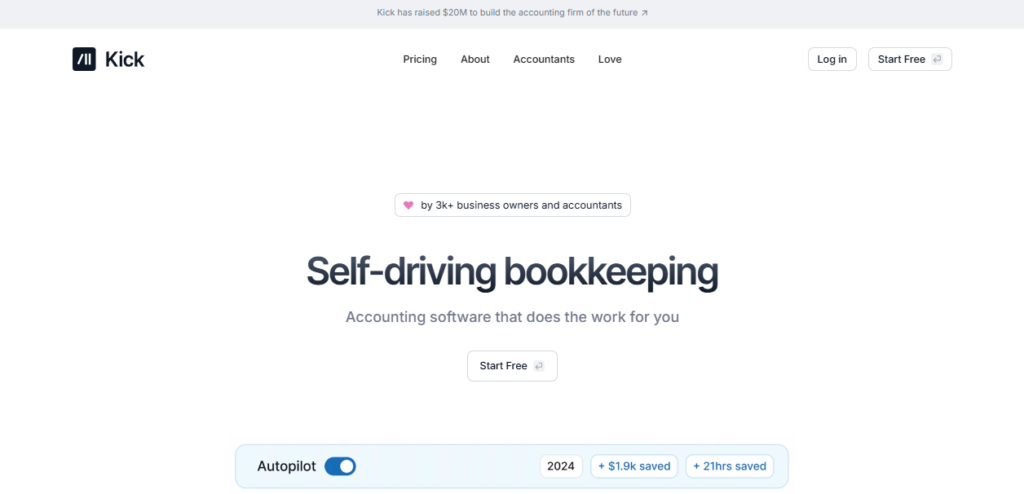
Backed by OpenAI, Kick is the answer for complex client structures. If you manage a client with a main operating business, several rental LLCs, and a holding company, the traditional software stack requires multiple subscriptions and disjointed logins. Kick changes this by allowing you to manage all entities in a single workspace with one subscription.
Step-by-Step Guide:
- Create Workspace: Sign up and create a master workspace for your holding company.
- Add Entities: Click “Add Entity” for each subsidiary or LLC.
- Link Accounts: Connect specific bank accounts to each entity.
- Inter-Company Transfers: When moving money from Entity A to Entity B, use the “Transfer” button. Kick automatically records the “Due To/Due From” journal entries in both sets of books instantly.
3. Blue J Tax: AI-Driven Research
Category: Tax Compliance & Research Best For: Accounting firms and tax professionals.
While many try to use standard chatbots for tax questions, the risk of hallucination is too high for professional work. Blue J Tax stands out as the leader in AI accounting software for research. It offers a reliable platform for staff who aren’t “AI nerds,” allowing them to find precise case law and statutes without expensive legacy licenses.

Step-by-Step Guide:
- Input Scenario: Type a plain English scenario (e.g., “Is a home office deduction valid for a W-2 employee in 2026?”).
- Review Citations: Blue J provides an answer backed by direct links to IRS codes and recent court cases.
- Generate Memo: Click “Draft Memo” to have the AI write a formal client letter explaining the tax position.
4. Sorban: The End of the Paper Organizer
Category: Client Intake & Tax Automation Best For: CPA firms handling volume (150+ returns).
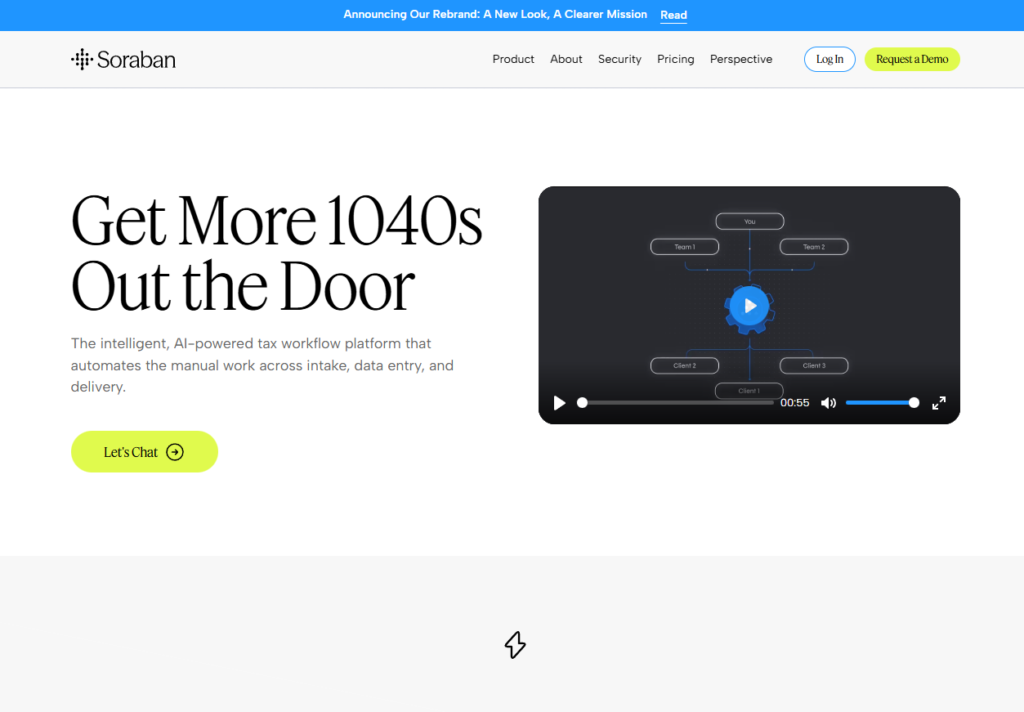
For firms handling volume, Sorban is essential. It replaces the static, hated PDF organizer with dynamic AI productivity tools.
- Smart Intake: It generates questionnaires that only ask for what is relevant to the client.
- Auto-Checklists: When a client uploads a document, the AI recognizes it and automatically checks it off the list.
Step-by-Step Guide:
- Upload Client List: Import your client roster from your CRM.
- Send Organizers: Sorban sends a secure link to clients.
- AI Recognition: As clients upload PDFs (W-2s, 1099s), Sorban scans them, extracts the data, and marks the item as “Received.”
- Export: Push the extracted data directly into your tax software.
5. Ramp: The AI Policy Agent
Category: Expense Management Best For: Companies with 10+ employees.
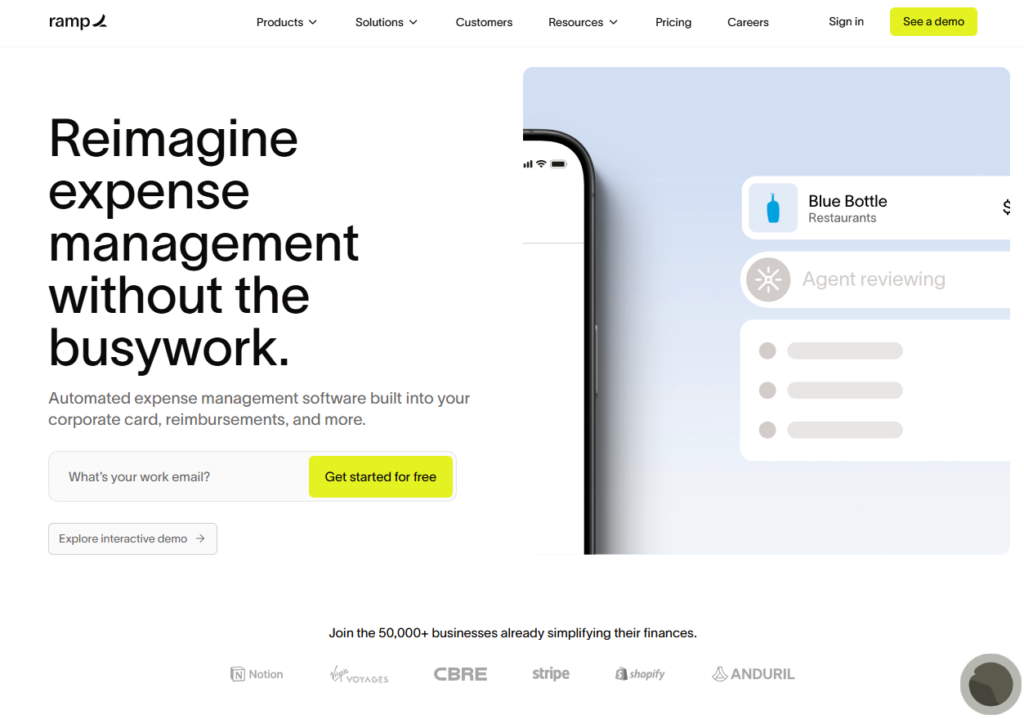
Ramp allows you to upload your firm’s expense policy directly into the system.
- Example: If an employee submits a £275 restaurant bill, the AI can flag that it exceeds the £50 individual allowance but may be justified if four guests were present.
- Automated Discipline: Users can text the AI to ask, “Can I expense this chair?” and receive an instant answer.
6. MakerHub: Advanced Accounts Payable
Category: Accounts Payable Automation Best For: Construction, manufacturing, and inventory-heavy businesses.
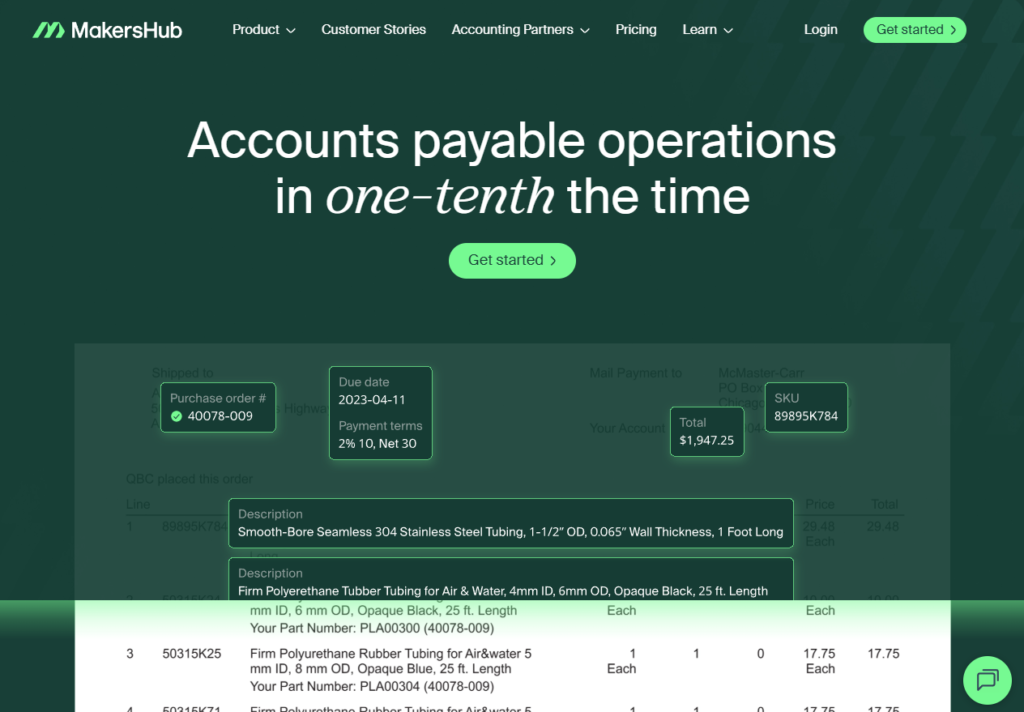
For clients with complex AP needs, MakerHub provides insanely detailed data extraction. It is designed to handle the “hairy” bill pay tasks that once required a full AP department. It extracts line-item detail from messy invoices that standard tools miss.
Part 2: The “Free” Google AI Ecosystem (The Cost Cutters)
One of the most significant shifts in 2025-2026 is the release of Google’s powerful, free AI productivity tools. These tools effectively replace paid software stacks that cost creators and businesses hundreds of pounds per month.
7. Google AI Studio Build: The Zero-Code App Killer
Category: App Development Replaces: Bubble, Glide, Webflow.
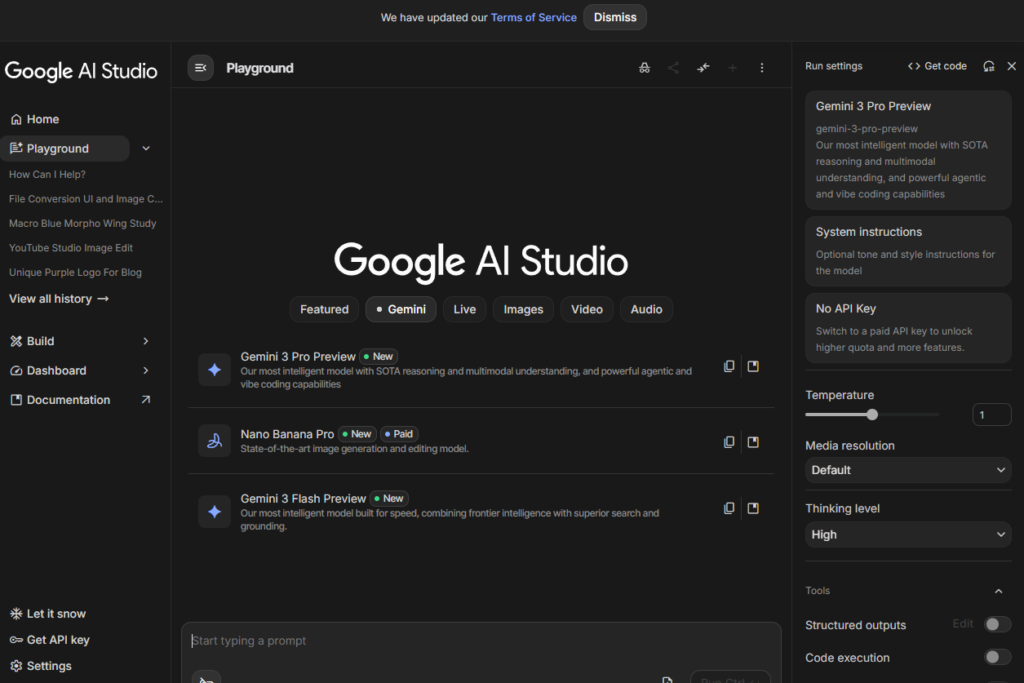
Google AI Studio Build is a revelation for non-coders. It allows you to create fully functional web applications using nothing but plain English.
Step-by-Step Guide:
- Access: Go to Google AI Studio and select “Build.”
- Prompt: Type your idea: “Build an event registration page with name, email, and ticket pricing fields, and a Stripe payment button.”
- Iterate: The AI generates the code and preview. If the button is blue and you want red, type: “Change the button to red.”
- Deploy: Click “Publish” to host it instantly on a Google-managed URL.
8. Opel: The Free Automation Engine
Category: Workflow Automation Replaces: Zapier, Make.com.
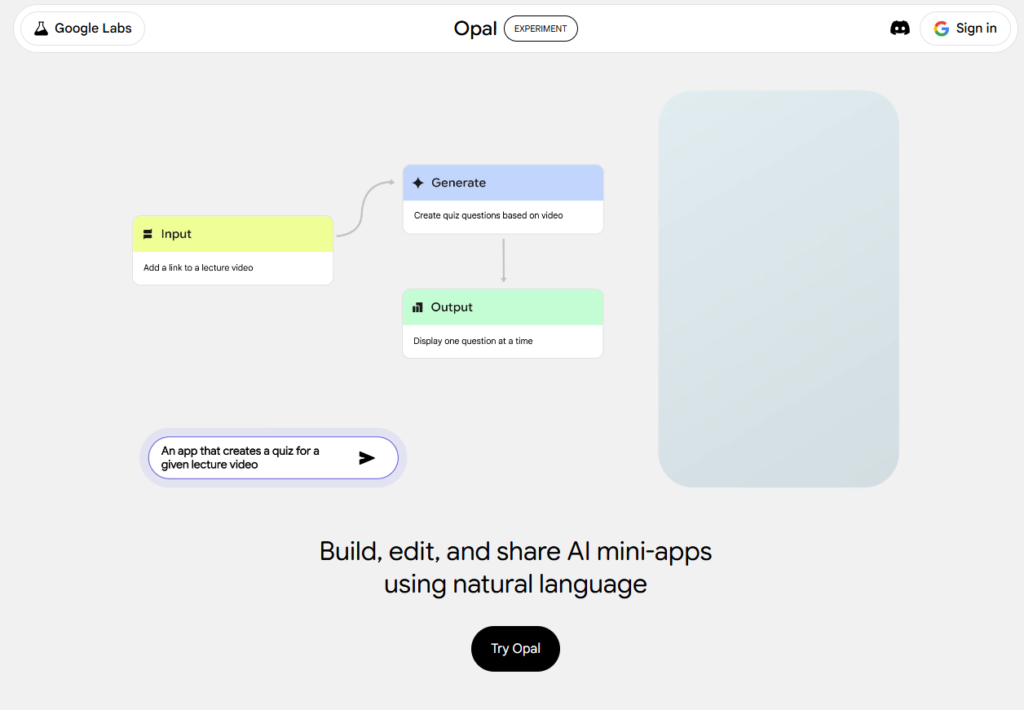
Opel (opal.google) is Google’s direct competitor to Zapier. It allows users to build AI automation tools using a visual, node-based interface.
Step-by-Step Guide:
- Create Workflow: Click “New Automation.”
- Set Trigger: Choose “When a new row is added to Google Sheets.”
- Add Action: Choose “Use Gemini to write a thank you email.”
- Finalize: Add “Send Email via Gmail.”
- Run: Opel builds this internal app instantly. It is perfect for lead qualification without per-task fees.
9. NotebookLM: The Ultimate Research & Content Engine
Category: Research & Content Repurposing Replaces: Jasper, Descript (partial).
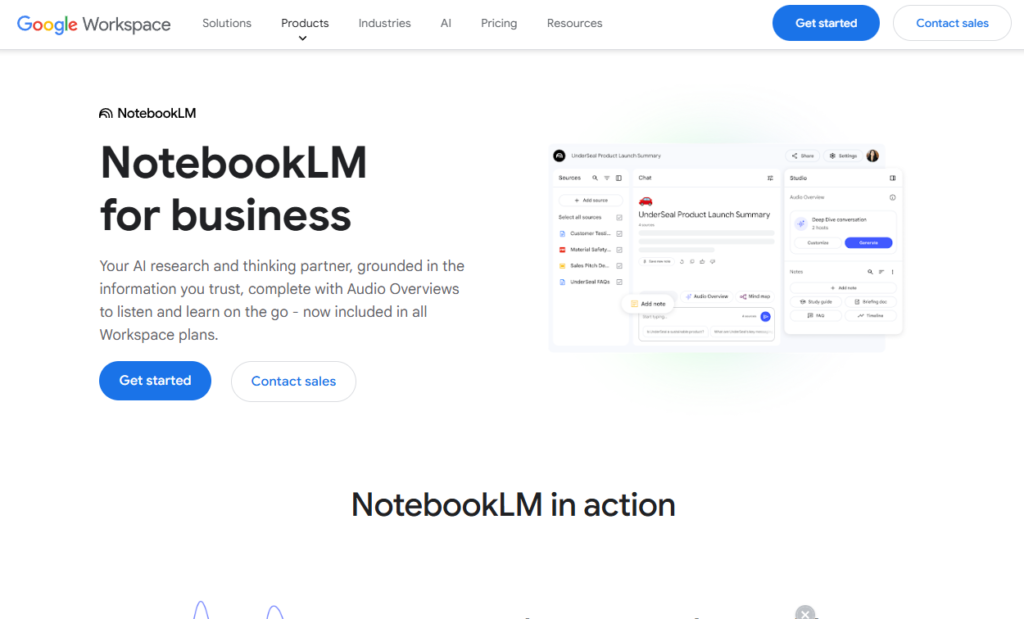
NotebookLM is arguably the most versatile of the AI productivity tools. It has evolved from a note-taking app into a content production house.
Key Features:
- Deep Research: Upload PDFs and URLs. The AI finds connections you missed.
- Audio Overviews: Turns source material into a two-person podcast.
Step-by-Step Guide:
- Create Notebook: Name it “Q1 Marketing Strategy.”
- Add Sources: Upload your competitor’s PDF reports and your own meeting notes.
- Generate Audio: Click “Audio Overview.” In 5 minutes, you have a 15-minute podcast of two AI hosts discussing the strategy.
- Export: Download the audio and use our <a href=”/audio-converter-video-to-wav/”>HD Audio Converter</a> to ensure it is in WAV format for high-quality editing.
10. Pamelli: Marketing Assistant
Category: Social Media Automation Replaces: Canva (partial), Hootsuite.
Pamelli (Google Labs) automates brand-consistent marketing.
Step-by-Step Guide:
- Link Site: Enter your website URL.
- Extract Brand: Pamelli extracts your hex codes, fonts, and logo.
- Campaign: Prompt: “Create a 5-day launch campaign for my new ebook.”
- Result: It generates 5 images and captions tailored to your brand style.
11. Gemini Canvas: Presentation Builder
Category: Slide Design Replaces: PowerPoint, Beautiful.ai.
Gemini Canvas replaces the need for designers.
Step-by-Step Guide:
- Open Canvas: Inside Gemini, select “Canvas.”
- Upload Doc: Upload your 20-page business plan.
- Prompt: “Convert this into a 10-slide pitch deck.”
- Export: It structures content, adds stock visuals, and exports to Google Slides.
12. Nano Banana Pro & Multi-Speaker Audio
Category: Media Generation Replaces: Midjourney, ElevenLabs.
Nano Banana Pro offers high-quality image generation inside Gemini. Multi-Speaker Audio in AI Studio allows you to script complex dialogues with distinct voices.

Step-by-Step Guide (Audio):
- Script: Write a dialogue: “Speaker A (Angry): Where is my refund? Speaker B (Calm): Let me check that for you.”
- Select Voices: Assign “Voice A” and “Voice B.”
- Generate: Download the studio-quality conversation.
Part 3: The AI Flywheel – Automating Wealth (Sales & Marketing)
To build massive wealth, you must move beyond using tools as “assistants” and start using them as “systems.” This is the AI Flywheel: a connected loop of AI productivity tools that automates the entire customer lifecycle.
13. Apollo: Targeted Prospecting
Category: Lead Generation Best For: B2B Sales.
The old method of “spray and pray” outreach is dead. You need a sniper rifle.
Step-by-Step Guide:
- Search: Use filters to find “CTOs in Fintech in NY.”
- Enrich: Apollo provides emails and phone numbers.
- Export: Download the CSV for the next step.
14. Clay: Humanizing Data
Category: Data Enrichment Best For: Personalizing outreach.
Clay humanizes data. It enriches your list by pulling work history, recent news, and social profiles.
Step-by-Step Guide:
- Import: Upload your Apollo CSV.
- Enrich: Add a column for “Recent LinkedIn Post.” Clay scrapes the web for their last post.
- AI Writing: Add a column “Icebreaker.” Use AI to write a sentence commenting on their post.
15. Brevo: Nurturing at Speed
Category: Email Marketing / CRM Best For: Automated follow-ups.
Brevo acts as your digital sales rep.
Step-by-Step Guide:
- Create Automation: “If user clicks link in email 1, wait 2 days, then send email 2.”
- Track: Brevo scores leads based on opens and clicks.
16. Calendly: Frictionless Scheduling
Category: Scheduling Best For: Booking meetings.
Remove friction. When a lead is ready, the booking process must be instant.
17. Gamma: Visual Proposals
Category: Presentation / Document Design Best For: Closing deals.
Gamma is an AI productivity tool that turns text outlines into stunning, visual presentations in seconds.
[Image: Screenshot of Gamma creating a pitch deck from a text prompt.]
Step-by-Step Guide:
- Paste Outline: Paste your sales pitch text.
- Select Theme: Choose a professional theme.
- Generate: Gamma builds a microsite/deck.
- Present: Send the link to the client.
18. Airtable: Structured Pipeline
Category: Database / CRM Best For: Organizing deal flow.
Use this as your structured pipeline. It tracks every lead’s stage and value.
19. Stripe: The Backbone of Payments
Category: Payments Best For: Getting paid.
Automating revenue operations saves thousands in administrative costs.
Part 4: Operations & Workflow Automation (The Glue)
To connect these tools, you need orchestration.
20. Zapier: The Beginner’s Glue
Category: Automation Best For: Simple, linear tasks.
Zapier connects 7,000+ apps.
Step-by-Step Guide:
- Trigger: “New Lead in Facebook Ads.”
- Action: “Send SMS via Twilio.”
- Action: “Add to Google Sheets.”
21. N8N: The “Pro” Automator
Category: Advanced Automation Best For: Complex, logic-heavy workflows.
N8N is a node-based AI automation tool that is incredibly powerful and cost-effective.
Step-by-Step Guide:
- Self-Host: Install N8N on a private server (free community edition).
- Design Flow: Drag and drop nodes to create complex “If/Then” logic.
- AI Agents: Use N8N to run AI agents that can browse the web and scrape data.
22. Goblin Tools: Managing Complexity
Category: Task Management Best For: ADHD / Overwhelmed founders.
Goblin Tools offers the “Magic To-Do.”
Step-by-Step Guide:
- Type Task: “Plan a company retreat.”
- Magic Wand: Click the wand icon.
- Result: It breaks the task down into 20 granular sub-steps (e.g., “Book venue,” “Send invites,” “Order food”).
23. MyMap.ai: Visualizing Workflows
Category: Mind Mapping Best For: Planning systems.
MyMap.ai visualizes processes. By describing a workflow in text, it generates professional flowcharts.
Part 5: Personal Productivity & Content (The Time Savers)
Beyond specific niches, there are AI productivity tools that every professional should use to 10x their daily workflow.
24. Whisper Flow / Super Whisper
Category: Voice-to-Text Best For: Writing emails by voice.
Whisper Flow (PC) and Super Whisper (Mac) are “clean” voice-to-text tools. They remove stutters and filler words.
Step-by-Step Guide:
- Activate: Press a hotkey.
- Speak: Dictate your email fast and messy.
- Paste: The tool transcribes it perfectly, removing “ums” and fixing grammar, then pastes it into your text box.
25. Snipd: The AI Podcast App
Category: Learning Best For: Extracting knowledge.
Snipd uses AI productivity tools to summarize episodes and extract key “snips.”
Step-by-Step Guide:
- Listen: Play a business podcast.
- Tap Headphone: When you hear a great insight, tap your headphone.
- Save: Snipd saves that specific clip, transcribes it, and summarizes it into your notes (Notion/Obsidian).
26. Granola: Meeting Intelligence
Category: Meeting Notes Best For: Zoom/Teams users.
Granola records your calls but allows you to talk to the transcript afterward.
Step-by-Step Guide:
- Record: Granola joins your meeting.
- Ask: After the call, type: “Draft a follow-up email based on the last 15 minutes.”
- Send: It drafts the email perfectly.
27. Napkin AI: Visual Storytelling
Category: Graphic Design Best For: Bloggers and Docs users.
Napkin AI transforms boring text into engaging visuals.
Step-by-Step Guide:
- Highlight Text: In Google Docs, highlight a paragraph.
- Click Napkin: The extension activates.
- Generate: It turns that paragraph into a professional infographic or chart.
- Edit: Use our <a href=”/background-remover-for-free-100-free/”>HD Background Remover</a> if you need to overlay it on other assets.
28. ChatHub: Model Comparison
Category: AI Interface Best For: Power users.
ChatHub lets you prompt multiple models simultaneously.
Step-by-Step Guide:
- Install: Add the Chrome extension.
- Select Models: Choose GPT-4, Claude 3.5, and Gemini.
- Prompt: Ask one question.
- Compare: See all three answers side-by-side to pick the best one.
29. Headline Studio: Optimization
Category: SEO / Copywriting Best For: Bloggers and YouTubers.
Headline Studio grades your titles to ensure they get clicked.
Part 6: Development & Delivery (The Builders)
30. Lovable: Build Your Own Tools
Category: No-Code App Builder Best For: SaaS MVPs.
Lovable allows you to build software with text.
Step-by-Step Guide:
- Prompt: “Build a CRM for real estate agents with a map view.”
- Refine: “Add a filter for price.”
- Deploy: Launch your SaaS.
31. Gumroad: Digital Asset Delivery
Category: E-commerce Best For: Selling digital goods.
For digital assets, Gumroad acts as your automated warehouse, handling delivery and taxes globally.
Conclusion: The Future Belongs to the Automators
The transition to an AI-powered business is not just about adopting new software; it is a fundamental shift in mindset. We are moving from a world of manual execution to a world of strategic orchestration.
The tools outlined in this guide—from the free Google AI tools like NotebookLM and Opel to the robust AI accounting software like Digits and Blue J—are the building blocks of this new reality. By implementing the “Source to System” method and constructing your own AI Flywheel, you can reclaim hundreds of hours, reduce overhead, and focus on the creative, strategic work that actually drives growth.
You are not late to the AI revolution; you are early to the right way of using it. Start today. Pick two AI productivity tools from this list, integrate them into your workflow, and watch your efficiency soar. The future is automated—make sure you are the one pressing the button.